1. Add designs
Upload a tattoo or tap a generated design. Add more than one when you want to compare a set.
Tattoo placement tool
Upload a tattoo or choose one of your generated designs, then try it on the forearm, upper arm, chest, back, thigh or calf. Add multiple tattoos and adjust each one separately.
How it works
Upload a tattoo or tap a generated design. Add more than one when you want to compare a set.
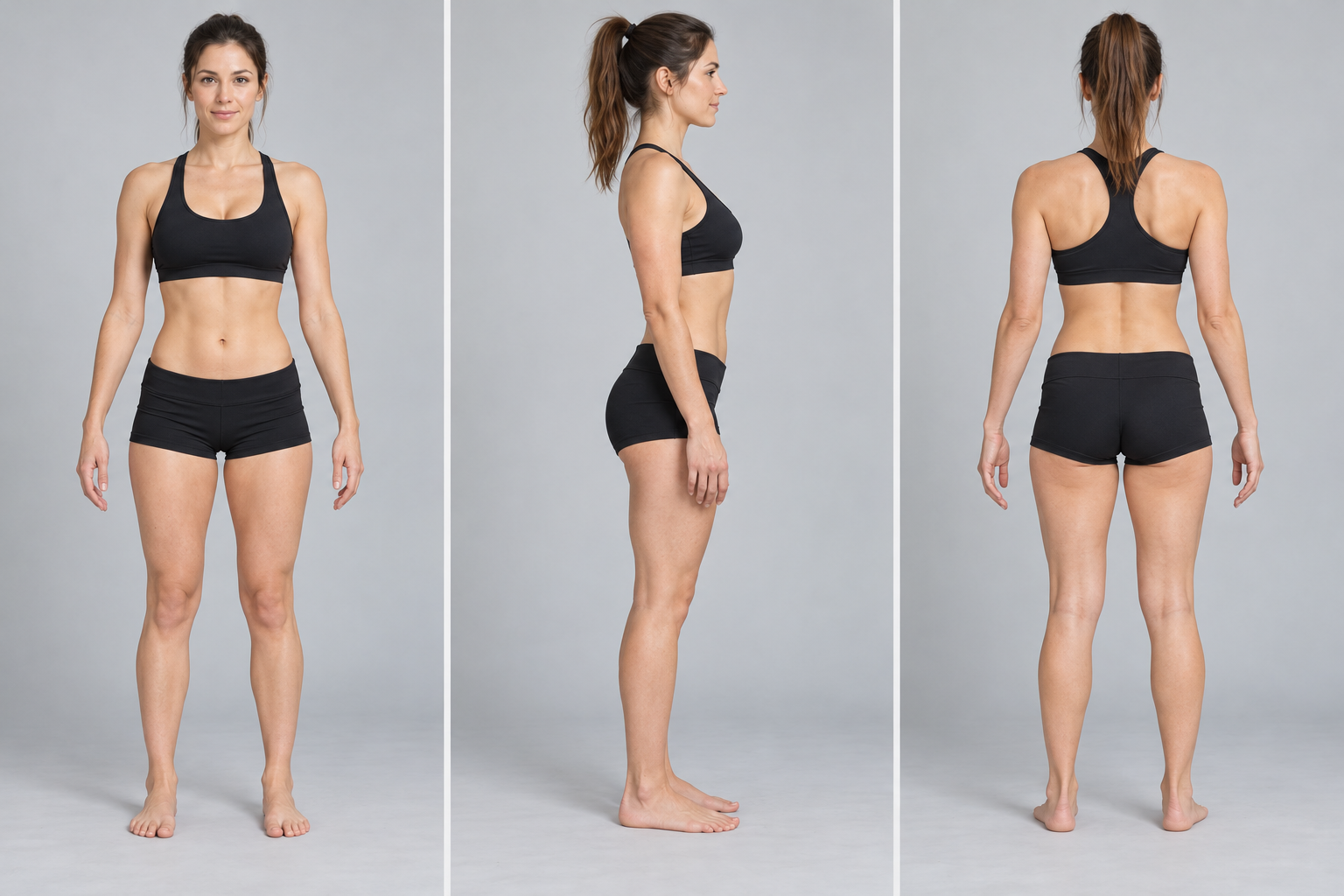
Choose a model, body view and placement. Drag, resize, rotate and use zoom to inspect the result.
Download the PNG and bring the visual reference to your tattoo artist for professional adaptation.
Compare a design's scale on the forearm, upper arm or full sleeve.
Use a larger view to judge width, symmetry and how the composition sits on the torso.
Check long vertical designs and see how the artwork follows the leg's shape.
Yes. Add several generated or uploaded designs, then select each one to move, resize, rotate and adjust separately.
You can explore placements including the forearm, upper arm, chest, back, shoulder, hand, neck, thigh, calf and leg.
Yes. Download the preview as a PNG after adjusting the model, placement and zoom. Use it as a discussion reference with your tattoo artist.
It is an approximate visual reference. Your tattoo artist should adapt the design to your anatomy, skin, scale and final technique.